Curriculum clarity, delivered as quests.
WattleQuest transforms Australian Curriculum standards into short, interactive learning journeys that students actually want to finish — and teachers can run in minutes.
Designed for real classrooms
Built for teachers juggling multi‑level classrooms and families supporting learning at home. Curriculum search, overlays, quest scripts, and premium AI drafting live in one place.
About the app
WattleQuest is a guided learning platform for Australian schools and families. Every quest is anchored to official curriculum outcomes, with built‑in prompts that build language, reasoning, and reflection skills. Teachers can author their own narrative quests and reuse them across classes.
Curriculum‑aligned
Built directly from Australian Curriculum content descriptions and achievement standards.
General Capabilities
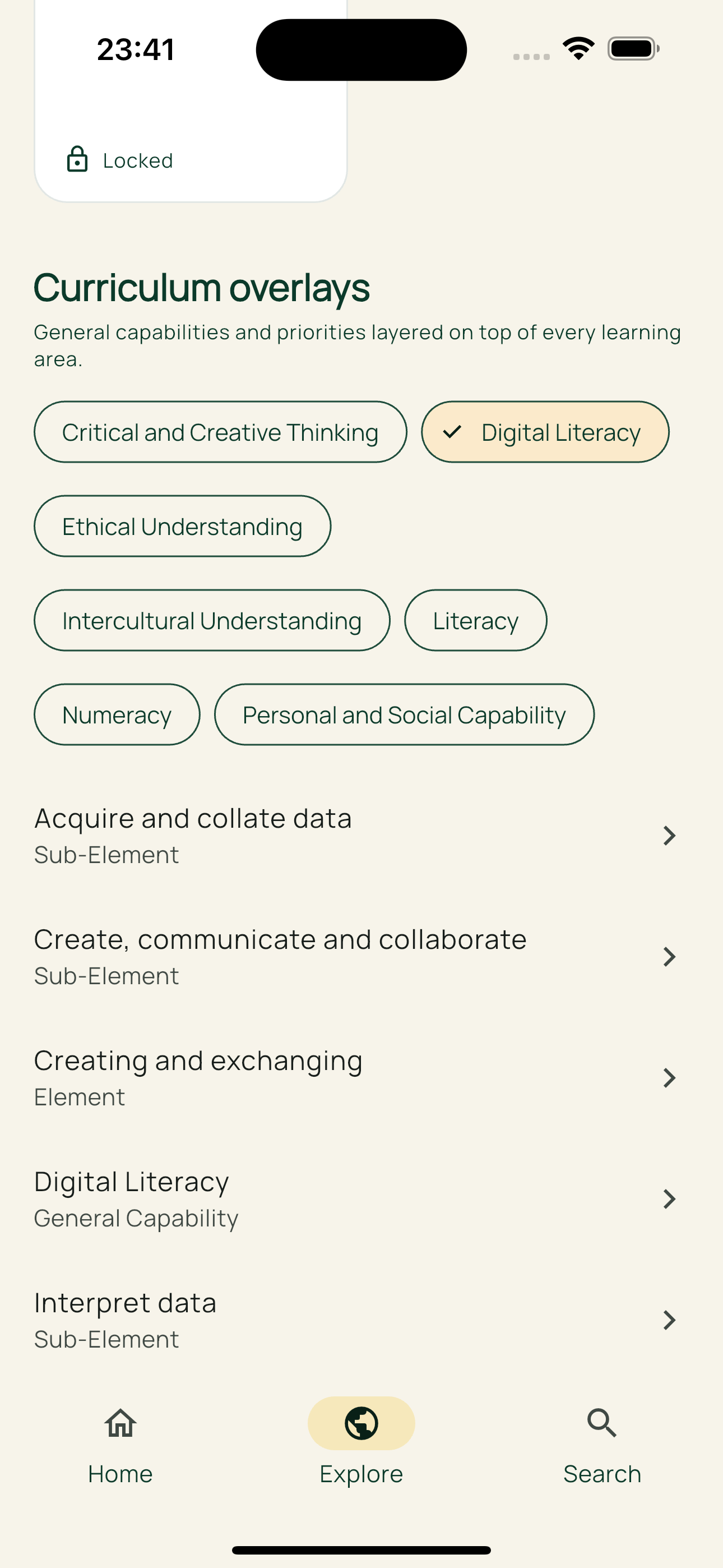
Layer literacy, numeracy, and critical thinking across every learning area.
Mini‑game quests
Tap, match, and sequence challenges bring curriculum outcomes to life.
Teacher‑ready
Create or remix quests in minutes, then let AI expand them into full lesson packs.
Cinematic student mode
Ambient audio, animated transitions, and sketch scenes keep learners focused.
Homeschool planning
Weekly pacing, a “Teach/learn this now” card, and a clear daily flow.
How WattleQuest works
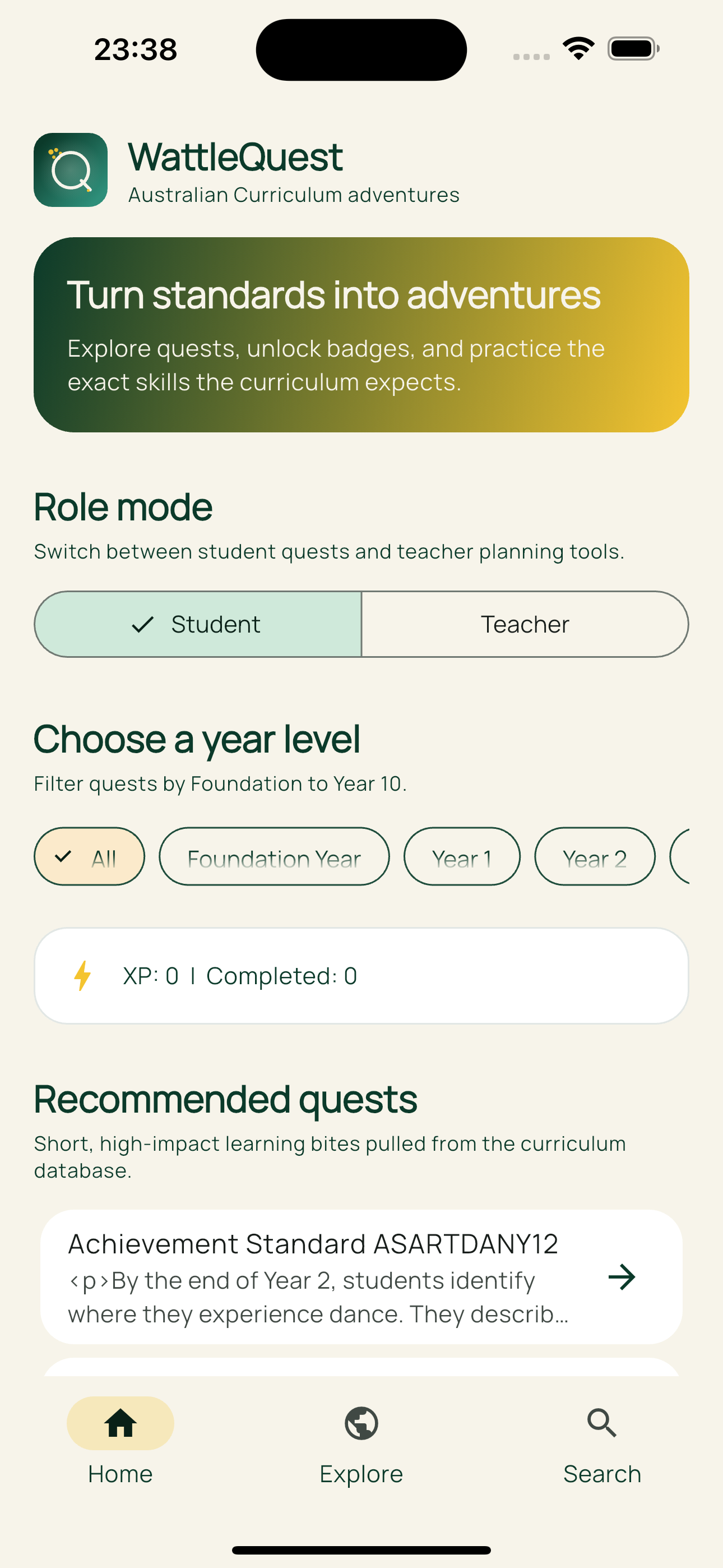
Pick a year level, choose a subject, then launch a quest.
1. Choose a level
Foundation to Year 10 filters make it easy to target the right students.
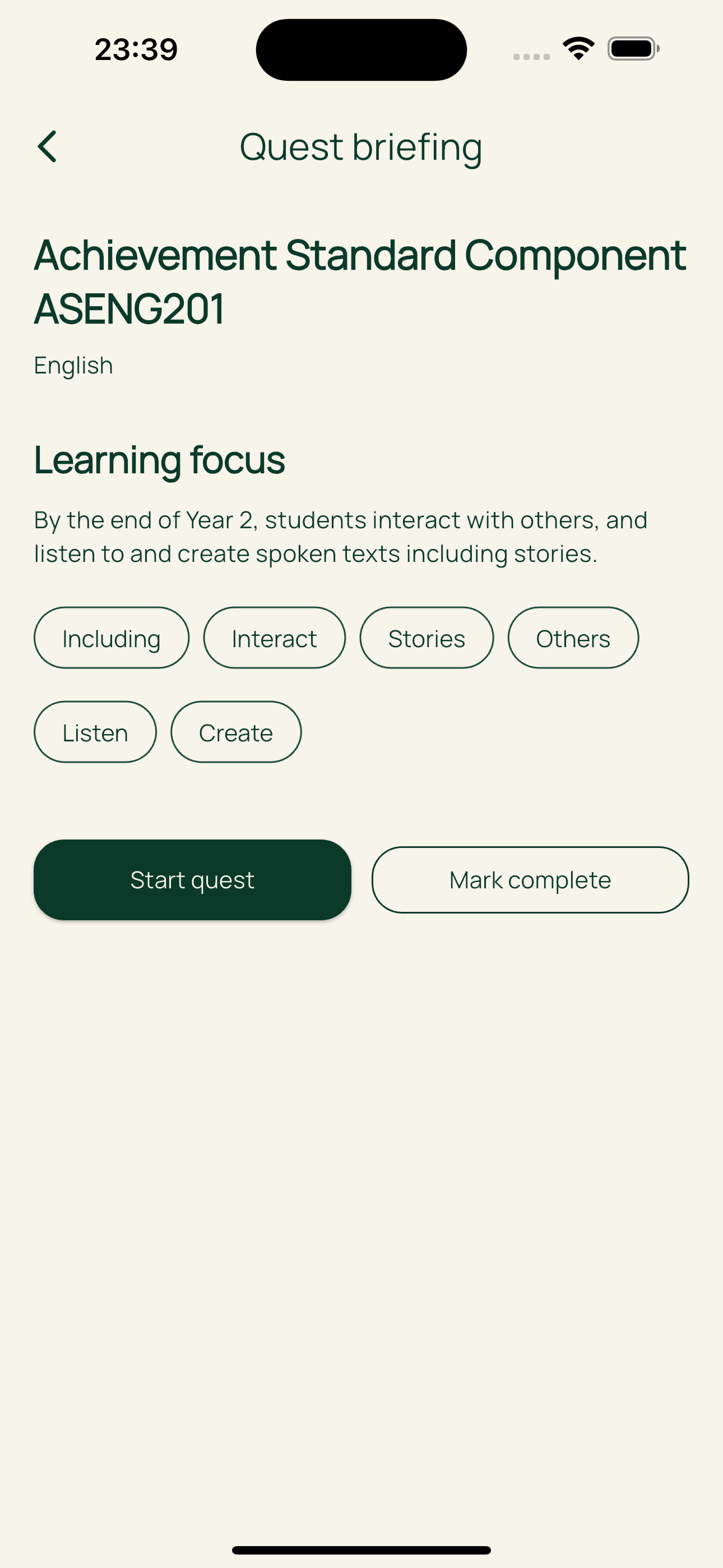
2. Start a quest
Students move through story scenes, mini‑games, and quick checks.
3. Track progress
XP, badges, and completion markers make progress visible.
Homeschool planner
Designed for families: WattleQuest auto‑allocates curriculum items across the week, so you always know what to teach (or learn) today.
Weekly pacing engine
Rotates subjects, balances load, and keeps progress steady.
Teach/learn this now
A daily card tells you the focus lesson and launches the quest.
Plan my week
One tap generates a fresh week of curriculum‑aligned learning.
Premium AI studio
Choose a provider (OpenAI, DeepSeek, or Gemini), then generate classroom‑ready content that stays aligned to the Australian Curriculum. AI tools are available for paid plans.
Auto‑Quest Generator
Create Roblox‑style quest scripts with stages, choices, quizzes, and badges.
Differentiation Packs
Instantly build Support, Core, and Extension versions with EAL/D scaffolds.
Micro‑Lesson Builder
Generate 5‑minute minis, 15‑minute cores, and 40‑minute full lessons.
Student AI Guide
Safe‑mode tutor answers using curriculum text and teacher notes only.
Auto‑Assessments
Create quizzes, answer keys, and rubrics with “explain why” feedback.
Vocabulary & Concepts
Extract key concepts and map connections for “you are here” learning.
Overlay Connections
AI suggests relevant general capabilities and cross‑curriculum priorities.
Teacher Feedback Coach
Refine student feedback with positive, actionable language.
Multimodal Storyboards
Generate scene scripts and visuals for future HeyGen‑style lessons.
Analytics & Insights
Summaries, gaps, and next‑best quest suggestions for your class.
Quest Save + Preview
Save AI quests into scripts, preview the story flow, and iterate fast.
Provider choice
Switch between OpenAI, DeepSeek, and Gemini with per‑feature defaults.
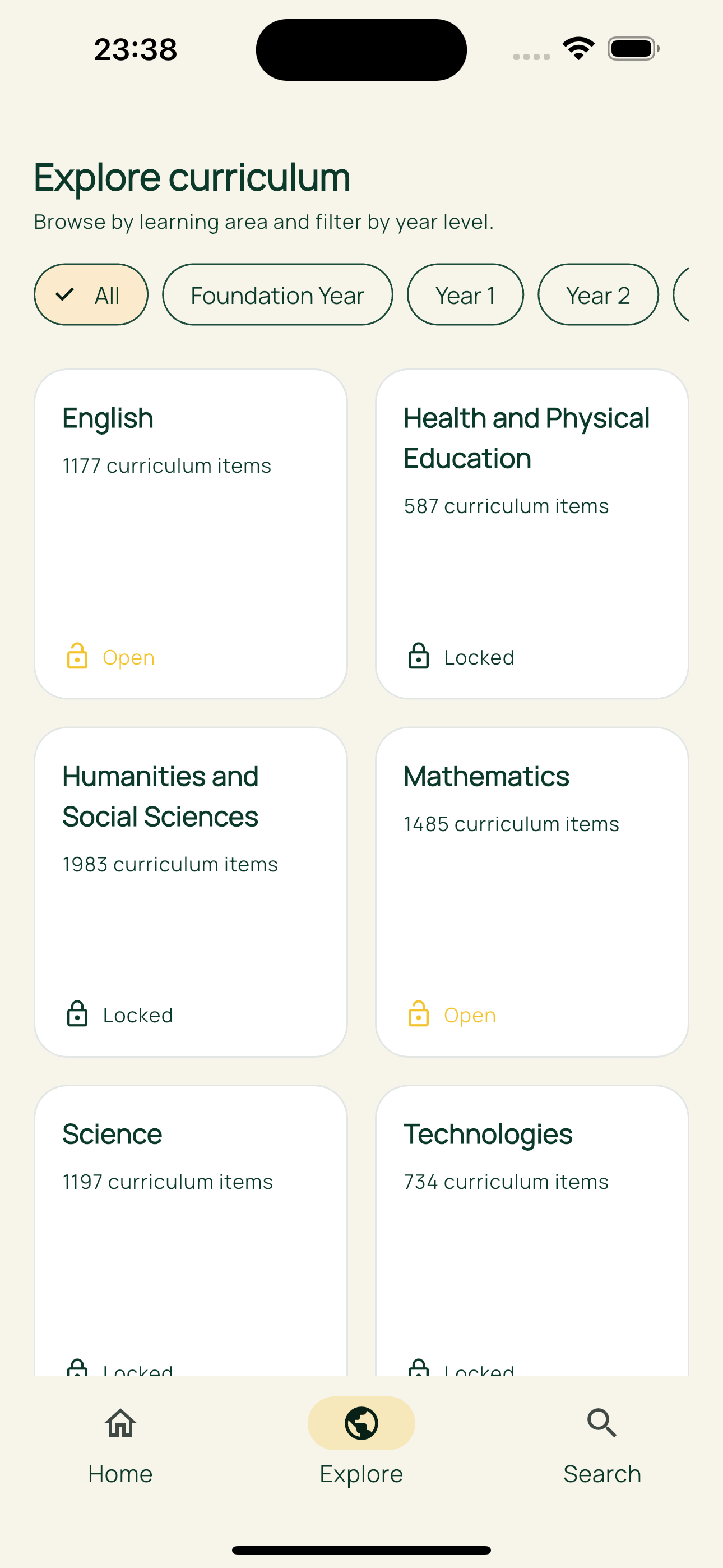
Product snapshots
Real screens from the WattleQuest experience.
Start your 14‑day free trial
Unlock all learning areas, teacher tools, and the quest studio. Cancel anytime during the trial.
Talk to usPricing
Simple plans for families and schools.
WattleQuest Plus
Full access to all learning areas, quests, overlays, and premium AI tools.
Teacher Toolkit
Includes Quest Studio, overlays, premium AI workflows, and classroom‑ready planning tools.
FAQs
Quick answers for schools and families.
Does it work offline?
Yes. The curriculum database is stored on device, so quests and search work without internet.
What year levels are covered?
Foundation to Year 10 across all major Australian Curriculum learning areas.
How do teacher scripts work?
Teachers can author quests using the Quest Studio templates and save them to curriculum items.
Is there a free trial?
Yes. New users receive a 14‑day trial before any subscription charges.
Can families use it at home?
Absolutely. Parents can pick a year level and let kids explore quests aligned to school goals.
How does the Homeschool Planner help?
It builds a weekly plan and gives a “teach/learn this now” lesson card each day.
How does the AI stay safe?
AI tools are gated to paid plans, guided by teacher/student guardrails, and grounded in curriculum text.
How do I check my subscription?
The home screen includes a status button showing plan and renewal dates.
Is student data safe?
We collect only essential data and never sell personal information.
Contact
Have questions about school rollout, licensing, or curriculum coverage? We’d love to help.
Email: [email protected]
Location: Australia